Read in
7
min
Why Trade Show Wi-Fi Costs So Much (And What Exhibitors Are Doing Instead)
At an event in Austin, a production team received a quote for internet access at their booth: $50,000 for 50 Mbps. That's roughly the speed of a mid-tier home internet plan. The annual price at home: around $600. This isn't an outlier. It's Tuesday. Convention center tradeshow internet is one of the most universally complained-about line items in event marketing. And yet, for years, most exhibitors have quietly paid it, or quietly skipped running demos because they couldn't justify the cost. One VP of Demand Generation at a cybersecurity company put it plainly after RSA Conference: "We didn't bother, so we're not giving demos in the booth because of that." That's changing. A growing number of booth managers are arriving at trade shows with their own connectivity solution. Not a phone hotspot. Proper, enterprise-grade temporary internet for events that costs a fraction of what venues charge and works better. Here's what's actually going on, and what your options look like.


Why Venue Internet Costs What It Does
The short answer: there's no competition.
Major convention centers and hotels have exclusive AV and network contracts with a handful of large providers, primarily Encore (which operates across 2,100+ properties), Freeman, and Pinnacle Live. These exclusive agreements mean you can't shop around. There's one provider, one price sheet, and no financial incentive to keep things reasonable.
The numbers speak for themselves. The Anaheim Convention Center charges $7,850 for a 10 Mbps connection and $19,250 for 25 Mbps. Marriott Miami's published rate for a 10 Mbps connection over three days is $11,250. One conference, the American Astronomical Society, paid $147,204 for venue Wi-Fi at a single hybrid event in 2023.
When you ask venue providers to justify the cost, the explanations tend to be vague. Infrastructure costs, security requirements, complex architecture. Those concerns are real, but they also apply to consumer ISPs, who manage to deliver 500 Mbps to your house for around $80 a month. The pricing gap isn't infrastructure. It's a captive market.
The result is that trade show wifi budgets become nearly impossible to plan. Quotes vary wildly for identical speeds at comparable venues. One event manager described the experience as "a crapshoot - as hard to plan for as the weight of your booth."
Paying for It Doesn't Mean It'll Work
Here's the part that makes it worse: even when you pay, there's no guarantee of a working connection.
Convention center networks are typically engineered for average load, not peak. When doors open and thousands of devices hit the network simultaneously, the math stops working. Upload capacity (the thing that matters most for demos, CRM sync, and lead capture) is chronically under-provisioned. A connection that performs fine during setup can fall apart within the first hour of the show floor opening.
RF congestion compounds the problem. The 2.4 GHz band has only three non-overlapping channels. In a packed exhibit hall with hundreds of personal hotspots competing alongside exhibitor equipment, saturation is almost guaranteed. Adding more access points without proper channel planning creates more interference, not more bandwidth.
Real stories make this concrete. One head of events arrived at her booth to find the venue had simply forgotten to activate the connection. This was a paid, pre-ordered circuit. "There's one internet guy for 10,000 people," she said. Another team reported paying $800 for a weekend and receiving 3 Mbps in return.
When internet goes down mid-demo, it doesn't cause an awkward pause. It kills the pitch. CEIR data shows that 81-84% of trade show attendees have purchasing authority, and 67% are prospects who haven't been reached through other channels. A connectivity failure in that room is a business development failure, not an IT inconvenience.
What Exhibitors Are Actually Doing
Most people start with the obvious workaround: tethering to a phone or bringing a consumer hotspot device. It's easy, costs nothing extra, and occasionally works. The problem is that convention centers are exactly the worst environment for it.
Dense concrete, packed RF spectrum, and consumer-grade data plans combine to make single-carrier hotspots unreliable in most major venues. When AT&T is congested inside the hall, a hotspot running exclusively on AT&T has nowhere to go. You get the same congestion problem as venue Wi-Fi, minus the invoice but also minus the reliability. The most common myths about cellular connectivity at events are worth reading before writing off cellular as an option entirely.
Starlink comes up in conversations, especially after a widely shared example: a venue quoted $100,000 to provide connectivity for an outdoor livestream; a Starlink provider parked nearby delivered the same result for $8,500. But Starlink is largely limited to outdoor scenarios. Running a cable thousands of feet into a convention center isn't realistic for most exhibitors.
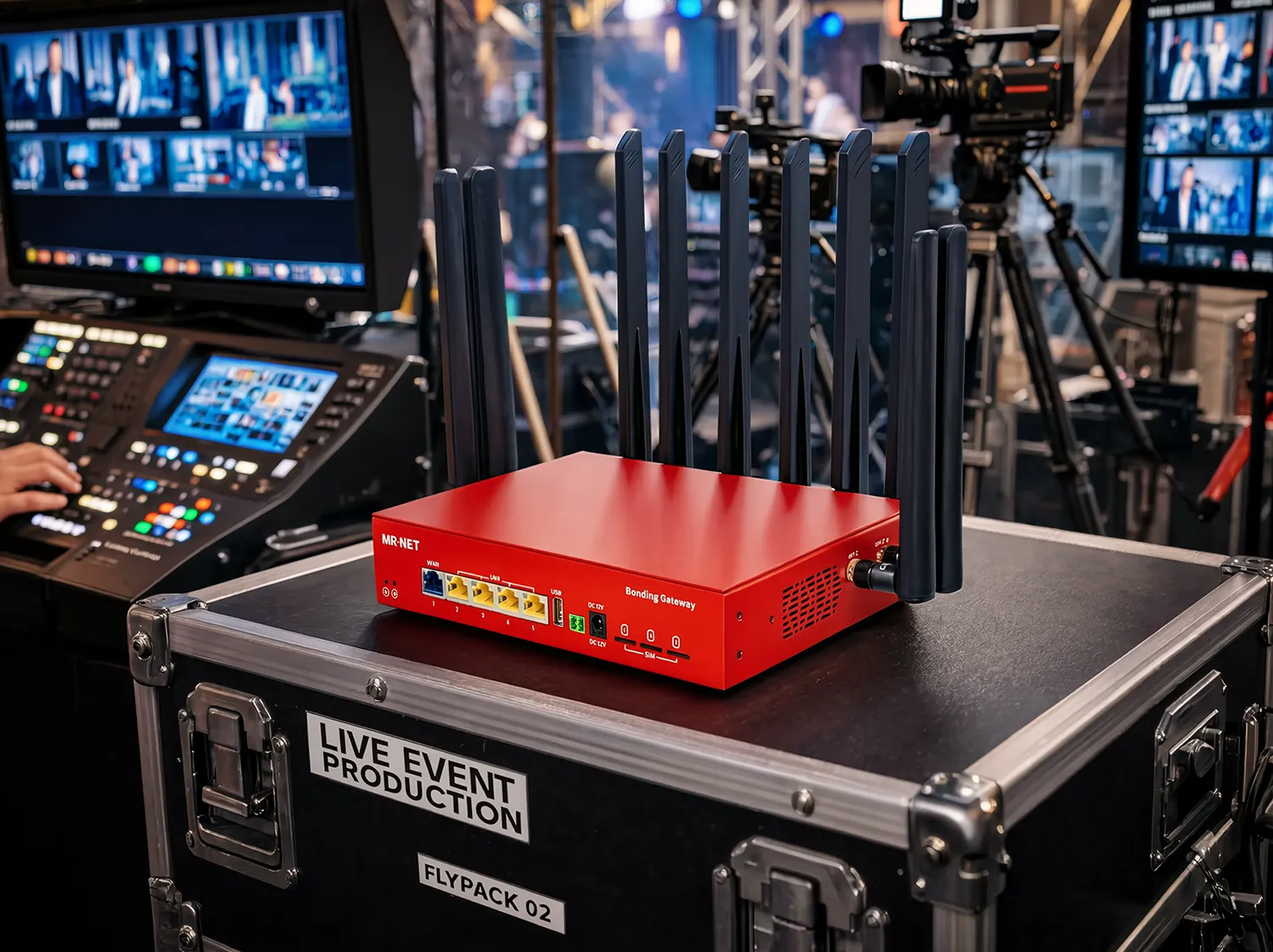
The solution gaining real traction among frequent exhibitors is bonded multi-carrier cellular. Instead of relying on one carrier, bonding simultaneously aggregates Verizon, AT&T, and T-Mobile into a single connection, with traffic automatically routed to whichever link is healthiest at any given moment. If one carrier is congested inside the hall, the others absorb the load. Sessions stay live. Demos keep running.
This is a meaningfully different technology class from a consumer hotspot. It's worth understanding why before assuming "I already tried a hotspot and it didn't work" settles the question. Here's a plain-language breakdown of how ISP bonding actually works.
The Detail Most People Miss: Enterprise Priority vs. Consumer Data Plans
Two devices. Same carrier. Same building. Completely different performance. Here's why.
Consumer cellular data plans are subject to network deprioritization. When a tower is congested, carriers throttle consumer traffic first. This is by design and disclosed in the fine print. In a packed convention center with thousands of attendees on consumer plans, your personal hotspot is competing against everyone else's, and the carrier's network management pushes your traffic to the bottom of the queue during congestion.
Enterprise IoT data plans operate on a different tier. They carry network priority, meaning traffic on those SIMs is served before consumer traffic on the same congested tower. For a booth running cloud demos or syncing lead data in real time, this distinction matters more than the raw speed spec. A 20 Mbps enterprise-priority connection in a congested venue will frequently outperform a 50 Mbps consumer connection at the same location.
If you're evaluating any cellular-based event wifi solution, ask one direct question: are the data plans enterprise-priority or consumer-grade? The answer tells you more about real-world performance than any speed test taken on an empty show floor.
Your Legal Right to Bring Your Own Internet
A common concern: "Will the venue even allow it?"
In the US, personal cellular devices and mobile hotspots are federally protected. Venues cannot legally block them. This was clarified in FCC Enforcement Advisory DA 15-113, issued after the FCC fined Marriott $600,000 in 2014 for blocking personal hotspots at the Gaylord Opryland in Nashville. Smart City Holdings was fined $750,000 in 2015 for doing the same across multiple convention centers in Cincinnati, Columbus, Indianapolis, Orlando, and Phoenix.
The fines didn't end the behavior entirely. As recently as February 2025, exhibitors reported similar interference at a major Florida convention center. The legal foundation is clear: blocking licensed spectrum is illegal. Citing FCC DA 15-113 directly tends to resolve pushback quickly.
Venue contracts sometimes contain language that sounds prohibitive. Read it carefully. The language is often intentionally vague, and the actual act of blocking personal cellular is not something venues can enforce, regardless of how the contract is worded. What to know before you bring your own internet to a trade show covers the practical side of navigating this.
The Math: One Solution for Every Show All Year
Here's where the economics shift for anyone exhibiting more than once a year.
The average national exhibitor attends 12.5 trade shows per year (Statista, 2024). At a conservative $3,000-$15,000 per show for venue internet, that's $37,500-$187,500 annually, just on connectivity, before a single demo runs or a single lead is captured.
Cellular bonding hardware is a one-time cost. An enterprise managed service plan covers the data. You bring the same device to every show, plug it in, and you're online: same performance, same setup, no per-show procurement, no surprises on the invoice. The math on multi-show economics gets compelling quickly, especially for companies doing the regional exhibitor average of 42 shows per year. The full business case for bonded internet is worth reading if you need to make the internal argument for the investment.
There's also an operational benefit that doesn't show up in the spreadsheet: consistency. Your booth staff uses the same hardware at every event. There's no learning curve, no vendor to track down at the venue, no "connectivity guy" to locate. It just works.
What to Look for in a Portable Trade Show Internet Solution
Not all cellular bonding solutions are built the same. These are the criteria that actually matter for trade show use:
Multi-carrier aggregation across all three major carriers. Verizon, AT&T, and T-Mobile simultaneously, not as failover backups. A solution that bonds all three is fundamentally more resilient in a congested venue than one that uses two, or switches between them.
Enterprise-priority data plans. Consumer SIMs get deprioritized at congested towers. Enterprise SIMs don't. This single factor explains most of the performance gap between "I tried a hotspot and it failed" and "this works every time."
Automatic failover in milliseconds. If one link degrades, traffic should shift to the remaining active connections fast enough that sessions don't drop. Video calls, CRM syncs, and live demos shouldn't stutter because one carrier hiccuped.
Plug-and-play setup. Booth staff shouldn't need IT expertise to get online. Pre-configured hardware removes the dependency on technical knowledge that makes bringing your own internet feel risky. If setup takes more than a few minutes, the solution is too complicated for show conditions.
Proactive managed support. When something goes wrong mid-show, remote monitoring means someone catches the issue before you do, and resolves it without requiring you to troubleshoot while managing a booth full of people.
Security. Venue Wi-Fi is a shared public network. A dedicated cellular connection with integrated VPN tunneling is meaningfully more private. This matters if your demos involve proprietary software, client data, or anything you wouldn't want running on a hotel lobby hotspot.
For a detailed look at how multi-carrier bonding manages traffic across simultaneous connections, the bonding protocol overview on the MR·NET site is worth a few minutes.
Pre-Show Internet Checklist
Run through these before your next event:
1) Check carrier coverage at the venue address. Pull up coverage maps for Verizon, AT&T, and T-Mobile separately. Major convention hubs in Las Vegas, Chicago, and Orlando tend to have strong multi-carrier indoor coverage. Smaller markets vary.
2) Confirm your data plan type. Enterprise-priority or consumer-grade? If consumer, expect deprioritization during peak show hours.
3) Test your hardware at the office, not at the venue. Run a full test including upload speeds under load before you pack it. Troubleshooting with doors opening in 20 minutes is not the time.
4) Know your actual upload requirements. Cloud-based demos, real-time CRM sync, and video calls are upload-intensive. Verify your connection handles your specific load, not just download speeds.
5) Put support contact information somewhere visible. Not buried in an email thread. On your phone, at the top of your show-day notes.
6) Log what you would have paid for venue internet. The savings figure is useful when justifying the investment to leadership after the fact.
The Bigger Picture
The exhibitors who've stopped paying for venue internet aren't taking a calculated risk. They're removing one.
The risk of paying $10,000 for a connection that underperforms, or fails mid-demo, is higher than the risk of bringing tested hardware you've already controlled and verified. When 81% of the people walking past your booth have purchasing authority, connectivity isn't a logistics question. It's a revenue question.
The industry will be slow to change. Exclusive AV contracts won't dissolve overnight, and venues have no financial incentive to lower prices. But the tools to work around the problem are available, well-tested, and getting easier to deploy every year.
If you want to see how this works in practice, MR·NET covers what a managed, plug-and-play approach to tradeshow internet looks like in the field.
---
*Sources: Vendelux (July 2025); A Media Operator (March 2026); Trade Show Executive / CEIR (April 2026); Wave Connect Trade Show Statistics (August 2025); Anaheim Convention Center / WifiT.net (May 2024); FCC Enforcement Advisory DA 15-113 (August 2015); MadeByWiFi (March 2026); TSNN; Statista (2024).*