1. Unpack the Box
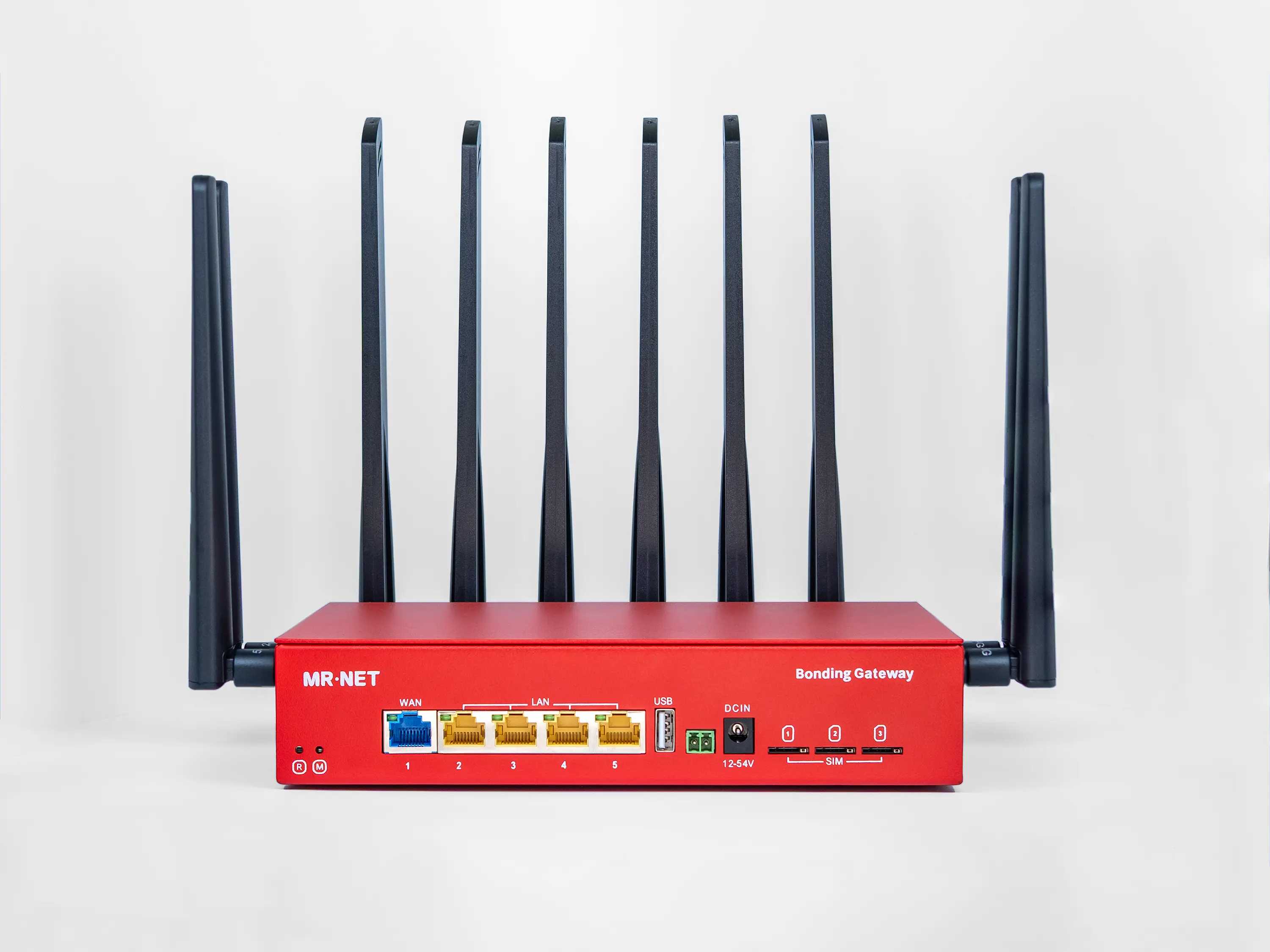
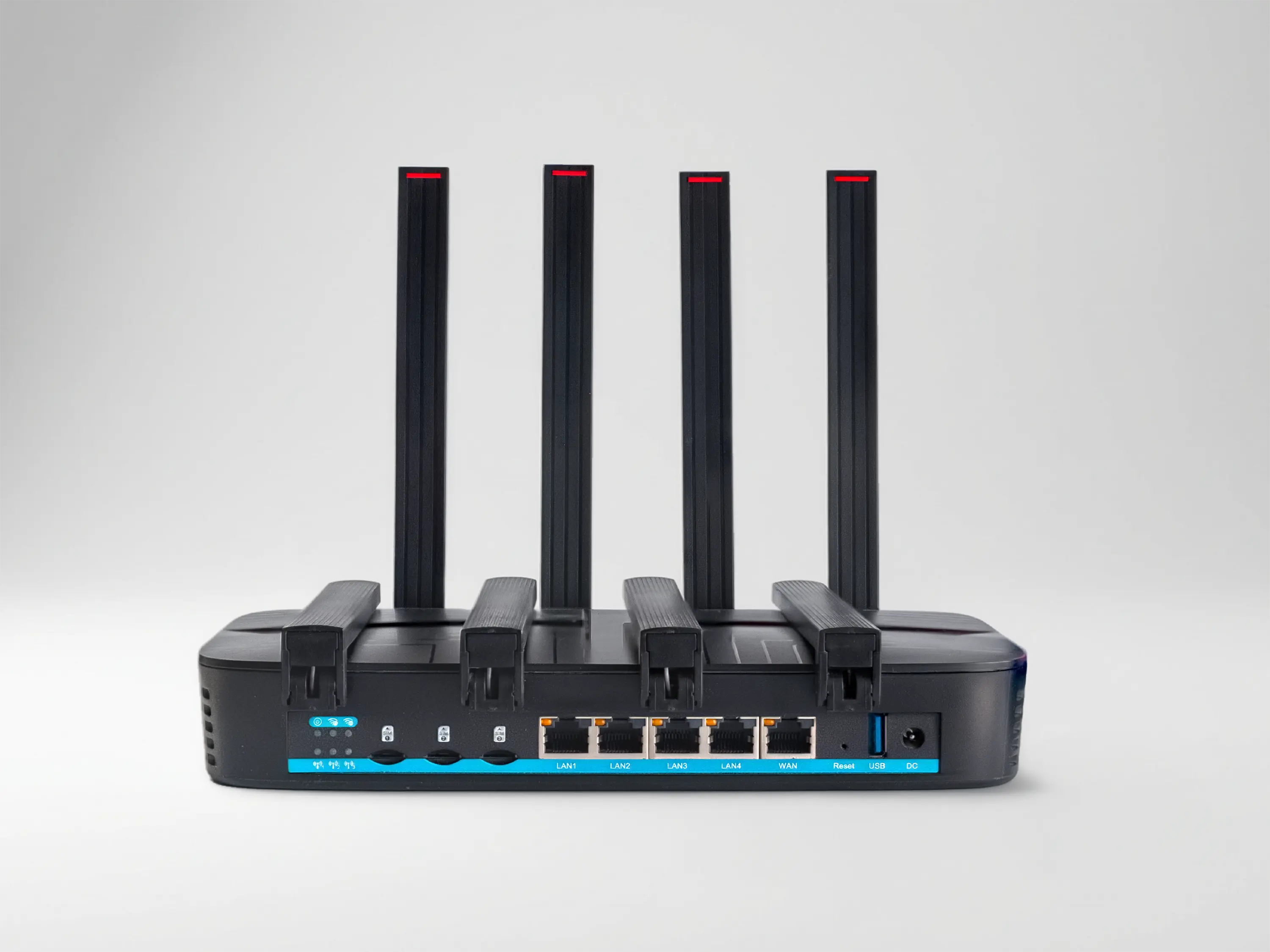
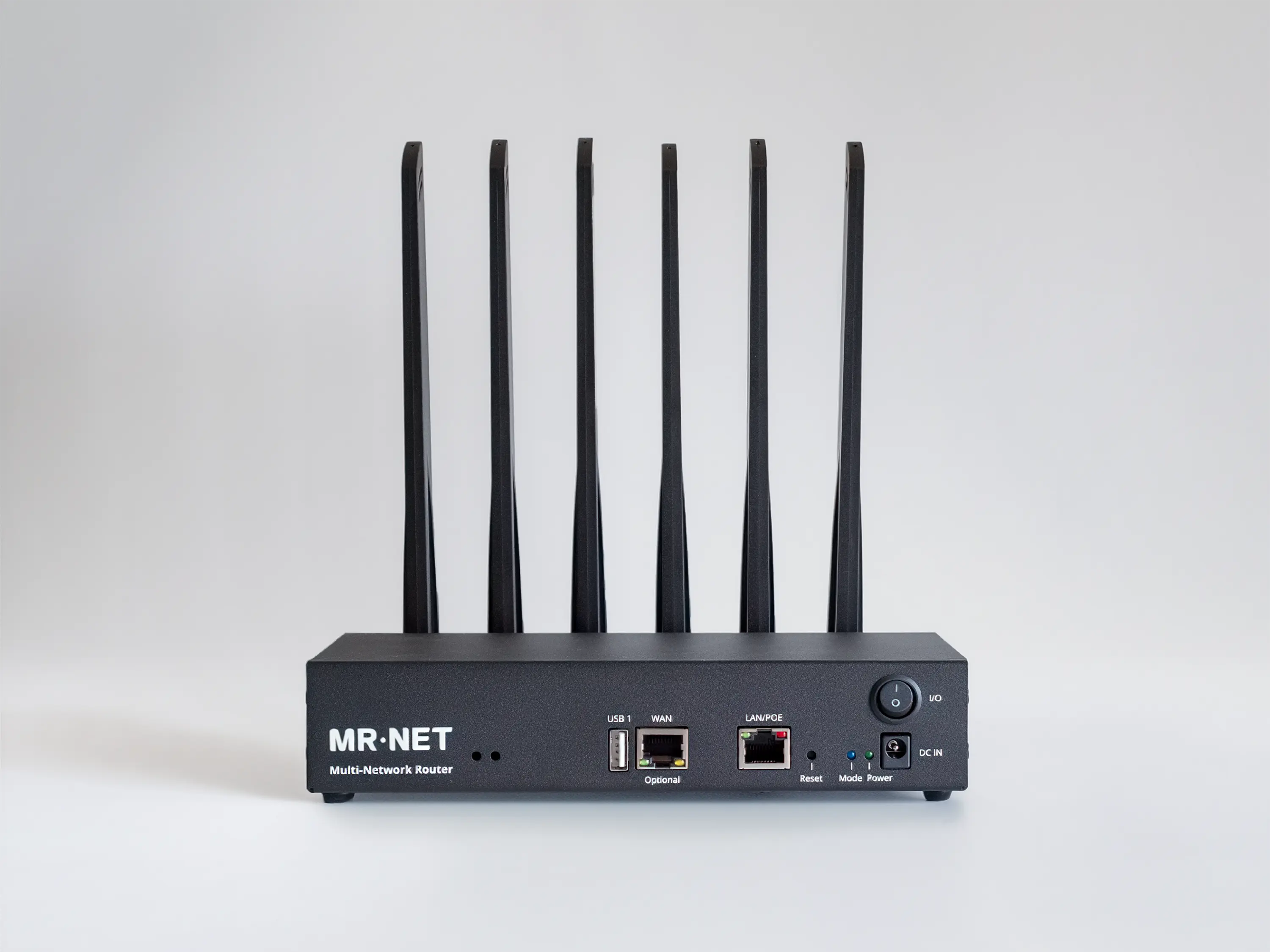
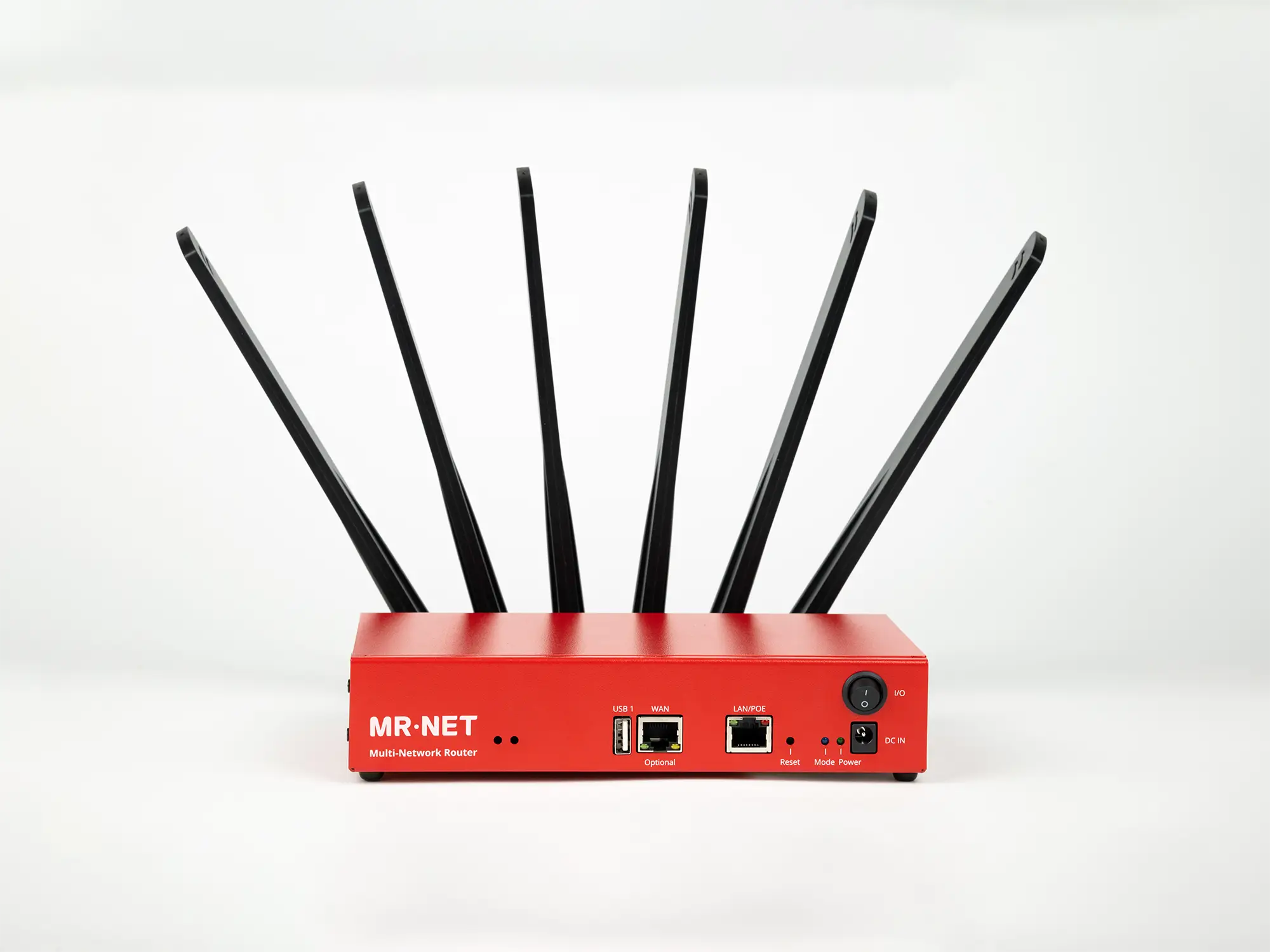
Open the box and remove the Bonding Gateway (Device) and all other items from the package contents (antennas, DC adapter, RJ45 cable).
Getting Started
Unbox your device and get online in minutes. Step-by-step activation and initial configuration guide.
Complete hardware setup instructions. Antenna placement, wiring, and deployment best practices for any environment.
Help & Support
Diagnose and resolve connectivity issues fast. Common problems, diagnostic tools, and when to contact support.
Answers to the most common questions about cellular bonding, performance, pricing, and technical specifications.
Downloadable cheatsheets and quick-reference guides for every use case.
Management Portals
Complete guide to your online dashboard. Device management, analytics, alerts, and multi-location control.
Manage subscriptions, payment methods, and invoices. View usage, upgrade plans, and access billing history.
User Manual & Tech Specs
Setup and user guide for the MR 006 Plus. Optimized for live events, broadcasting, and high-bandwidth applications.
Setup and user guide for the MR 005 GO. Vehicle-ready cellular bonding for transportation and mobile deployments.
Setup and user guide for the MR 004 IoT. Compact, ruggedized connectivity for industrial sensors and remote monitoring.
Legacy documentation for MR 004 Plus. Support resources for existing deployments; discontinued for new orders.
Getting Started
Help & Support
Website Copywriting
Clear website messaging that communicates value effectively
Homepage messaging
About page narrative
Conversion-focused headlines
Service page clarity
Website Copywriting
Clear website messaging that communicates value effectively
Homepage messaging
About page narrative
Conversion-focused headlines
Service page clarity
Management Portals
Complete guide to your online dashboard. Device management, analytics, alerts, and multi-location control.
Manage subscriptions, payment methods, and invoices. View usage, upgrade plans, and access billing history.
Open the box and remove the Bonding Gateway (Device) and all other items from the package contents (antennas, DC adapter, RJ45 cable).
Avoid non-certified power supply adapters, as they could damage the device. Use only original adapters. Contact us if you are unsure which power supply is suitable for your equipment.
The device must be used only in strict compliance with client equipment operating, energy, and safety requirements.
Do not confuse 4G/5G antennas with 2.4 GHz & 5 GHz Wi-Fi antennas. Each antenna has engravings indicating its type.
Do not place the equipment near metal constructions, as they can block cellular signals. Make sure to place the unit at least several feet away from high-power appliances.
Use wired LAN connections for your equipment whenever possible. Wi-Fi is an option but inherently less reliable, especially in crowded areas.
Don't confuse WAN and LAN ports. The WAN port is for adding optional extra internet sources from other providers to the bonded connection. LAN ports are for connection your equipment which needs internet access
Do not use pre-installed SIM cards in third-party equipment. If you want to use your own SIM cards, contact our support team to update device settings for them to work correctly.
The device's enclosure is made of a durable metal. IP50 Class of the protection. Protected from limited dust ingress. No liquid protection.